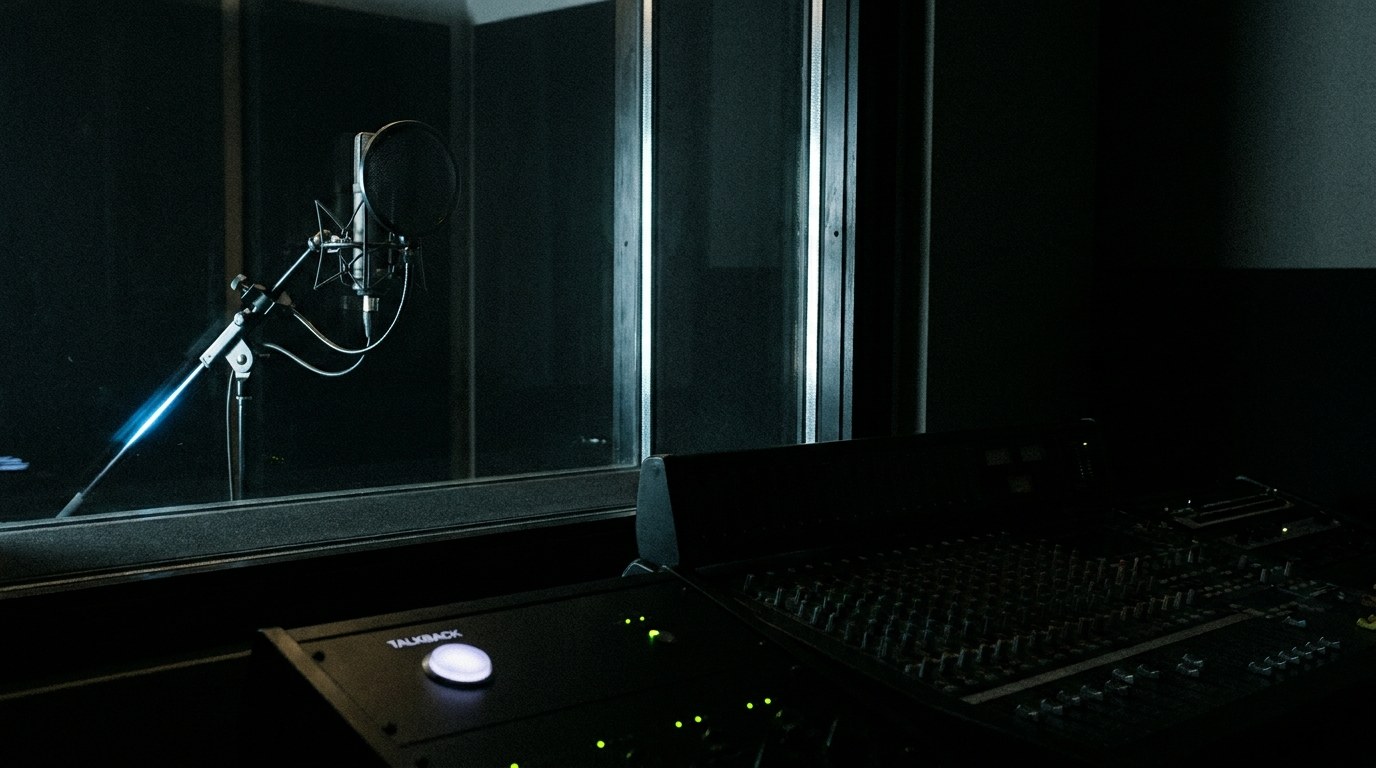
Talkback lives inside REAPER. Type a request in plain English and it edits, arranges, automates, mixes, masters and exports, using REAPER’s own tools, applied as one undo step.
A free trial of 100 applied edits, then 10 free edits every monthYour tracks stay on your computer.
Talkback
Rough mix: vocals forward, guitars not boomy, master to -14 LUFS
Measured 5 tracks. Lead vocal up front, harmonies 5–6 dB behind and spread, high-pass and a 150 Hz cut on the acoustic,
compressors set by measured gain reduction (vox 3.8 dB), shared room reverb, master -14.0 LUFS / -1.0 dBTP. One undo step.
-14.0 LUFS-1.0 dBTP5 tracks1 undo step
Hit the button. Say it.
Push to talk, like the talkback on a console: hold the talk button in the Talkback window, or press a key, MIDI button or footswitch you’ve assigned, and say your request.
> cut the first 4 bars and fade in the guitar over 2 seconds
What you can say
If you can say it, it can do it.
Bars, markers, regions, “the selected items”, “the bridge”, “the last 20 seconds”. Talkback reads your project and remembers the conversation, so “now fade it out” just works.
Mix“Rough mix: natural acoustic sound, vocals forward, guitars not boomy, master to -14 LUFS”Edit“Cut the first 4 bars and fade in the guitar over 2 seconds”Arrange“Add a marker at every chorus, then duplicate the bridge”Automate“Bring the flute up 3 dB over the last 20 seconds”Route“Put the flute and violin in a folder called Melody and send it to a reverb at -12 dB”Tidy“Rename the tracks by instrument and colour the drums red”Master“Master for Spotify and export an MP3”Ask“What's the tempo, and which tracks have no FX yet?”
Edit & arrange
The tedious parts, in one sentence
Split, cut with ripple, trim, move and copy, duplicate sections, fades and crossfades, item gain and normalize, markers and regions, tempo and time signature.
Mix
Measured, not guessed
It measures loudness, peaks and tone on every track, then builds a mix with REAPER’s stock plugins. EQ cuts before it boosts, and compressors are set by the gain reduction they actually produce.
Master & export
Hit the target, not the ceiling
It checks the master against a tone curve, gain-stages the mix, drives an oversampled limiter to your loudness target and renders WAV or MP3 next to your project.
Listen
One request. Before and after.
Raw multitracks with every fader at 0 dB, then the result of a single request. Switch between them while they play. Level-match is on by default so you hear the mix, not just the loudness.
“Rainfall”
Liz Nelson & Jennifer Davies · three vocals, acoustic + electric guitar
“Rough mix: natural, intimate acoustic singer-songwriter sound. Lead vocal forward, harmonies tucked behind it, guitars supporting but not boomy, a touch of shared room reverb, master to -14 LUFS.”
“Lark on the Strand / Drummond Castle”
Phoenix · acoustic guitar, flute, violin, two room mics
“Rough mix: natural acoustic folk trio sound, like the players are in one room. Guitar solid but not boomy, flute and violin balanced, use the room mics for space, master to -14 LUFS.”
30-second excerpts. Multitrack audio from the MedleyDB Sample (R. Bittner et al., “MedleyDB: A Multitrack Dataset for Annotation-Intensive MIR Research”, ISMIR 2014):
“Rainfall” by Liz Nelson & Jennifer Davies and “Lark on the Strand / Drummond Castle” by Phoenix, licensed CC BY-SA 4.0.
The before/after mixes are derived works made with Talkback and are shared under the same license.
How it works
Your project stays yours.
1
Ask
Type in the Talkback window inside REAPER. Mixing requests first measure your tracks on your computer.
2
Plan
The request, a summary of the project (track and item names, positions, plugins, markers, tempo) and the measurements go to AiHud. A validated plan comes back.
3
Apply
REAPER applies the plan with its own tools and plugins as one undo step. Every move stays visible and editable. Optional: a one-line preview before anything destructive.
Pricing
Start free.
One request that changes your project counts as one edit. Questions and “nothing to change” replies are free.
Start here
Free
$0
A free trial of 100 applied edits, then 10 free edits every month.
The same account and plan also work in Scorehand, our notation assistant for MuseScore.
Get started
Get your free key.
Sign up, install from ReaPack, paste your key. About two minutes.
Your free key
We email you the key and a 6-digit activation code. No card needed.
Install via ReaPack
Two minutes, no extra software.
Install ReaPack if you don’t have it yet, then restart REAPER.
Extensions → ReaPack → Import repositories… and paste https://talkback.scorehand.net/reapack/talkback.xml
Extensions → ReaPack → Browse packages, search Talkback and install it. Also install ReaImGui for the full chat window.
Actions → Show action list, run Talkback (give it a shortcut or toolbar button), and paste your key.
No ReaPack? Download the zip, copy the Talkback folder into REAPER’s Scripts folder
(Options → Show REAPER resource path), then Actions → Load ReaScript… and pick Talkback/Talkback.lua.
REAPER 7 on Windows 10/11, macOS or Linux. It uses the system’s built-in curl, so there is nothing else to install. Stuck? Email hi@aihud.net.
Your tracks stay on your computer.
Project audio stays on your computer: analysis runs inside REAPER, with no stems and no cloud rendering. Spoken requests are sent to our server for transcription. Report a problem sends your last request and what Talkback did, only when you click it.

 Talkback